
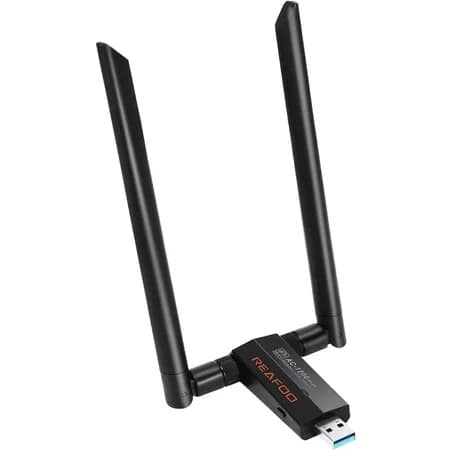
⚡ The Ultimate Wi-Fi Adapter for Kali Linux Pentesting
If you’re serious about wireless security testing on Kali Linux, you need an adapter that actually works — not one that leaves you wrestling with drivers or missing critical features.
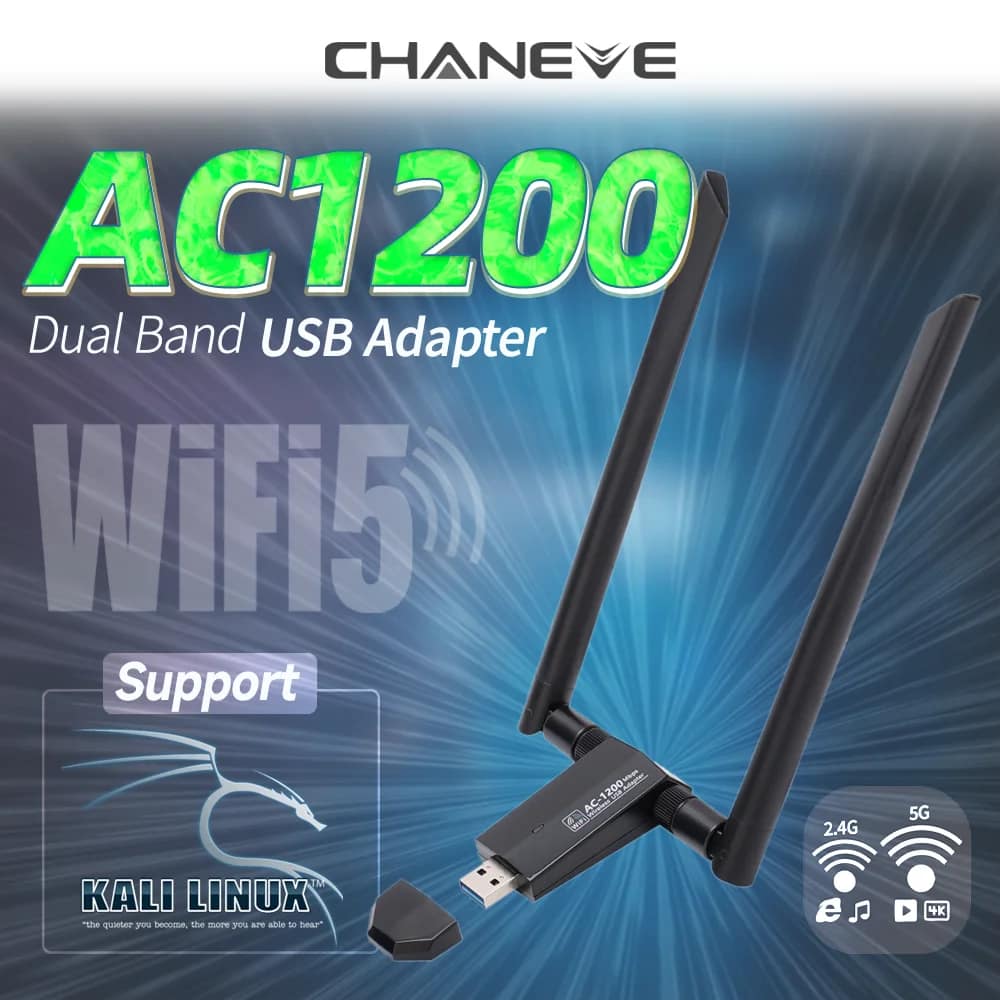
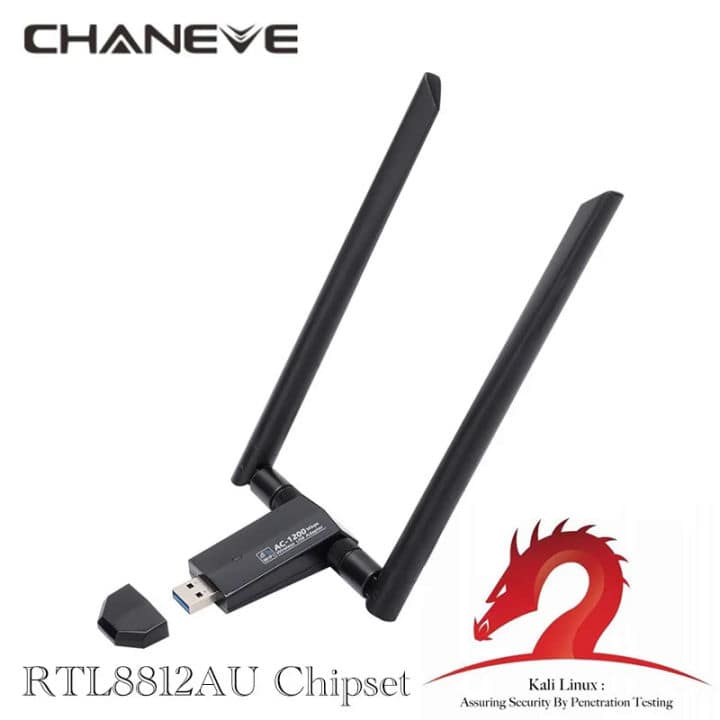
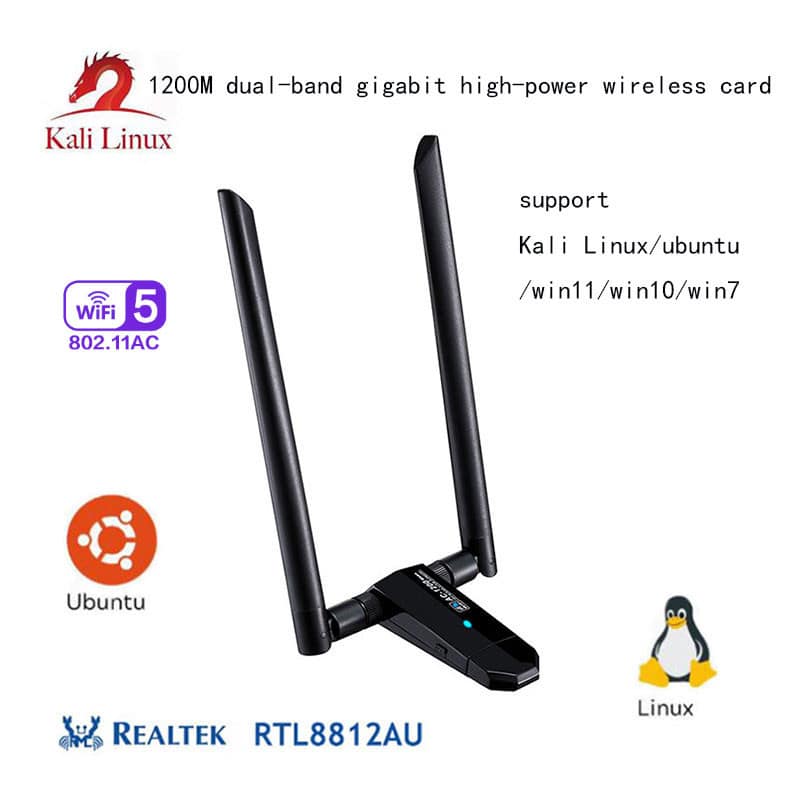
The RTL8812AU chipset is widely regarded as the gold standard for Kali users, and this adapter delivers full monitor mode, packet injection, and dual-band AC1200 speeds right out of the gate.
Whether you’re capturing handshakes, auditing networks with Aircrack-ng, running deauthentication attacks, or sniffing 5GHz channels, this adapter gives you the reliability and performance you need — without the headache.
✅ Why This Adapter Is Built for Kali Users
| Feature | What It Means for You |
|---|---|
| RTL8812AU Chipset | Industry-proven for monitor mode and injection — the most compatible chip for Kali |
| Dual-Band AC1200 | 2.4GHz (up to 300Mbps) + 5GHz (up to 867Mbps) – capture WPA3 handshakes on modern routers |
| Full Monitor Mode | Sniff all Wi-Fi traffic, including hidden SSIDs and management frames |
| Packet Injection | Perform deauth attacks, WPS Pixie attacks, and custom frame injection with aireplay-ng |
| USB 3.0 Interface | Faster data transfer for high-speed packet capture and real-time analysis |
| External High-Gain Antenna | Better range and signal penetration for outdoor or long-range auditing |
| Plug & Play on Kali | Works with built-in drivers or our recommended DKMS package — install in minutes |
🛠️ Compatible Tools (Fully Tested)
This adapter integrates seamlessly with the entire Kali Linux wireless toolkit:
✅ Aircrack-ng suite (
airodump-ng,aireplay-ng,aircrack-ng)✅ Reaver & Wash (WPS cracking)
✅ Bettercap (MITM attacks)
✅ Wireshark (packet analysis)
✅ Kismet (wireless intrusion detection)
✅ MDK4 & MDK3 (stress testing)
✅ Bully (WPS brute-force)
✅ Cowpatty & Hashcat (handshake cracking)
📦 What’s in the Box
1x RTL8812AU Dual-Band AC1200 USB Wi-Fi Adapter
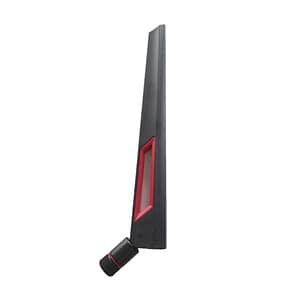
1x External 5dBi high-gain antenna (detachable)
1x USB 3.0 extension cable (for better positioning)
Quick-start card with Kali Linux driver installation commands
🔧 Quick Driver Installation (Kali)
We’ve made it easy. After plugging in, run:
sudo apt update
sudo apt install realtek-rtl88xxau-dkms
sudo modprobe 8812au
Then verify monitor mode with:
iwconfig
sudo airmon-ng start wlan1
You’re ready to go in under 2 minutes.
📊 Technical Specifications
Chipset: RTL8812AU
Wireless Standards: IEEE 802.11a/b/g/n/ac
Frequency Bands: 2.4GHz & 5GHz (dual-band)
Max Speed: AC1200 (867 Mbps on 5GHz, 300 Mbps on 2.4GHz)
Interface: USB 3.0 (backward compatible with USB 2.0)
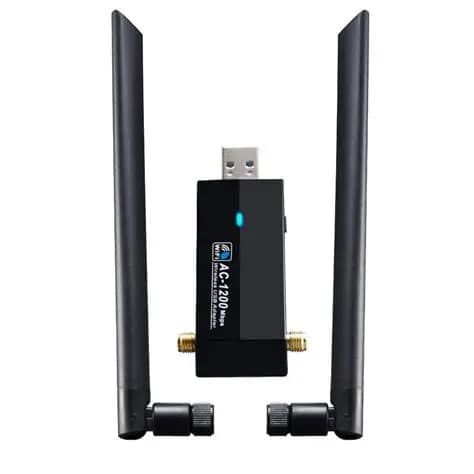
Antenna: 2x external 5dBi (RP-SMA connector)
OS Support: Kali Linux, Ubuntu, Debian, Raspberry Pi OS (Linux only – not for Windows)
Monitor Mode: Yes, full support
Packet Injection: Yes, fully supported
🚀 Why Choose This Adapter Over Others?
| Other Generic Adapters | This RTL8812AU Adapter |
|---|---|
| May use fake or unreliable chips | 100% genuine RTL8812AU |
| Spotty monitor mode | Full, stable monitor mode on both bands |
| No 5GHz support | Dual-band AC1200 for modern networks |
| Confusing driver installs | Pre-tested commands + included guide |
| Cheap plastic antennas | Detachable high-gain antenna |
🔒 Trusted by Pentesters, Ethical Hackers & Red Teams
We’ve tested this adapter on Kali Linux 2024.x – 2026.x across multiple hardware setups — including laptops, desktops, and Raspberry Pi 4/5. It’s used daily by penetration testers, security researchers, and CTF players who demand reliability when it counts.

Reviews
There are no reviews yet.